Case Study 04
Adobe. Director, Experience Design
Adobe has a vanguard in-house product design organization, Adobe Design (formerly “XD” for “Experience Design”). My team was tasked with inventing new experiences to enable creativity for touch as Apple rapidly shipped new iOS devices. We had the freedom to push touch interactions to new levels and it had staying power; these features and technology live within current apps from iOS to Desktop and Web. Scroll down for one of my favorites, Adobe Color for Apple Watch.

Adobe Line
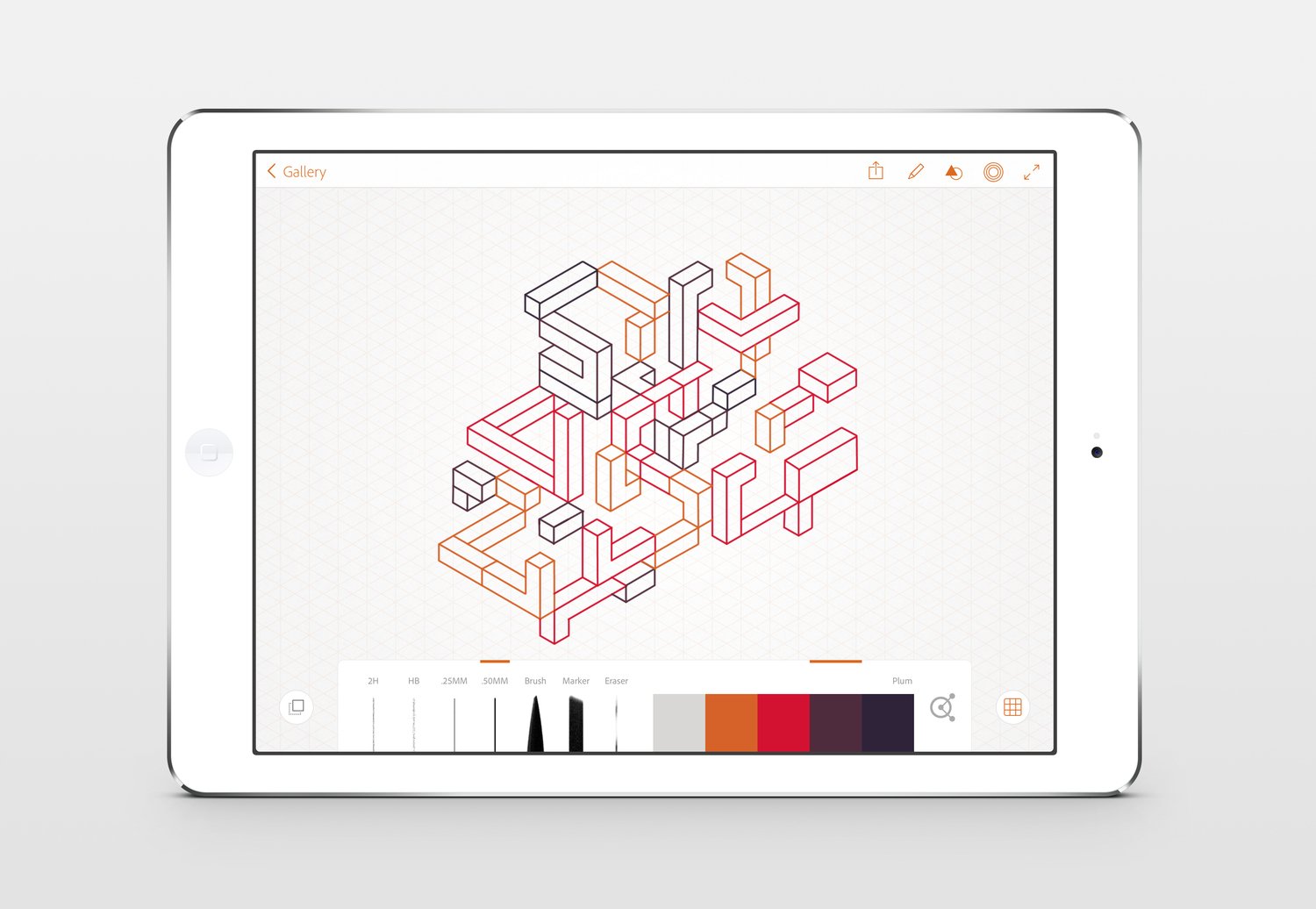
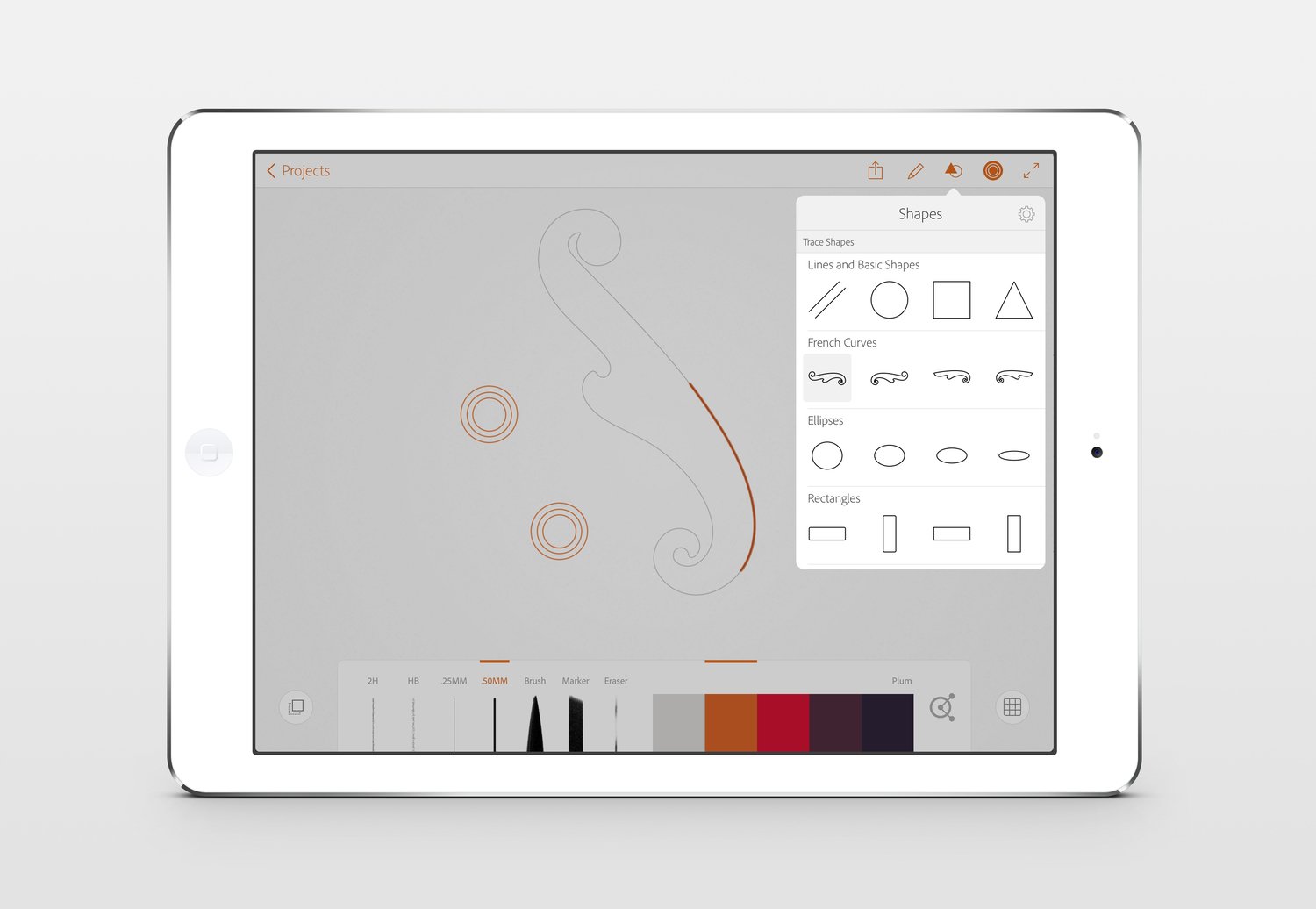
A modern approach to drawing and drafting, Adobe Line lets you draw straight lines, geometric shapes, perspective views and more.
Line reimagines traditional drawing tools like rulers, T-squares and shape templates for touch interaction. Designed and developed to showcase our creative hardware, Ink & Slide, a key discovery was made when we developed the digital version of the physical ruler. No device required: "Touch Slide" is a software feature informed by its hardware counterpart.
-
iOS App Design & Development
Rapid Prototyping
Hardware Integration
SDK Design & Development
R&D
-
Adobe Design
Adobe Engineering
Ammunition Group
Mind Tribe
Special thanks to:
Arian Behzadi, Greg Muscolino, Steve Sangik Lee, and Michael Gough
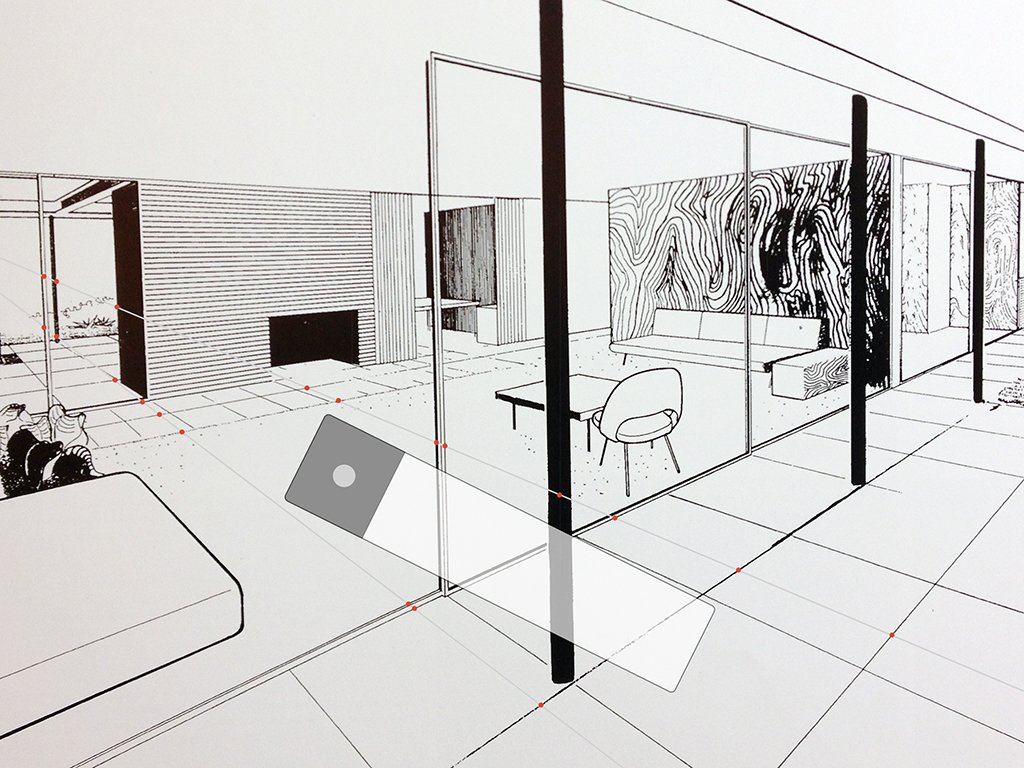
A North Star.
On day one we set a goal of being able to recreate this vintage ink perspective drawing from Case Study Houses.


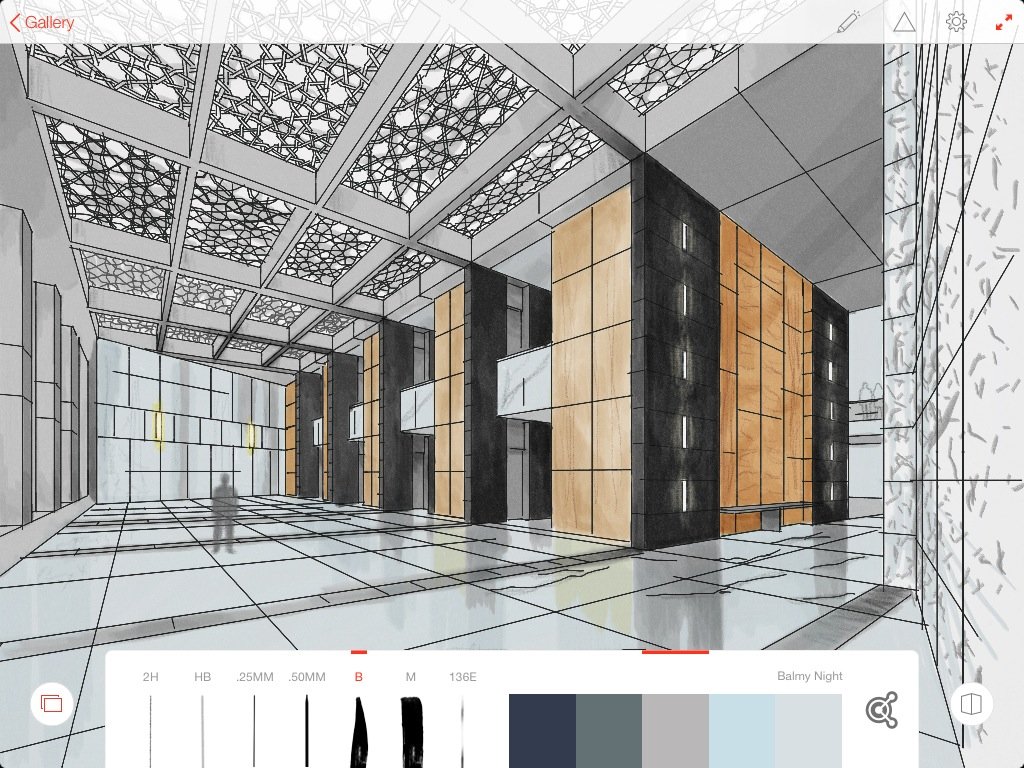


Make believe it’s real.
A mocked-up advertising tribute to envision curb appeal, and to paint a vivid depiction of the future.

Adobe Shape
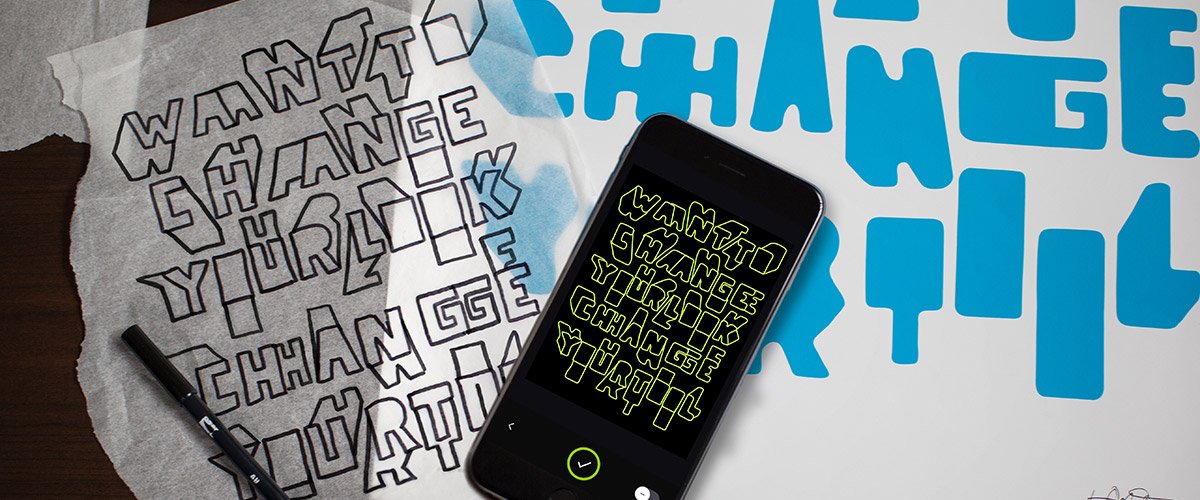
It started as talk at happy hour – designers who wished we could snap a photo of a cocktail napkin sketch for immediate digital use, and it quickly captured the imagination of Adobe Illustrator engineers. They had the tech, and the prototyping began. Adobe Shape is now part of the Adobe Capture iOS App.
With your iPhone, quickly capture and convert photos into vectors that you can use across the Creative Cloud. Whether a logo on a sign or something in your own sketchbook, it takes seconds to go from inspiration to Illustrator. Snap a photo with your phone’s camera, or use a photo from you camera roll or Creative Cloud project files.
-
iOS App Design & Development
Rapid Prototyping
Adobe Creative Cloud
Camera & Illustrator Technology
R&D
-
Adobe Design
Adobe Engineering
Special thanks to:
Joe Andolina & Arian Behzadi, Scott Belsky & Eric Snowden

The first prototype.
What if you could capture a vector off a wall?
Timothy Goodman and Adobe Shape…


Adobe Color for Apple Watch
We participated in Apple Watch's inaugural launch with our app available on day one.
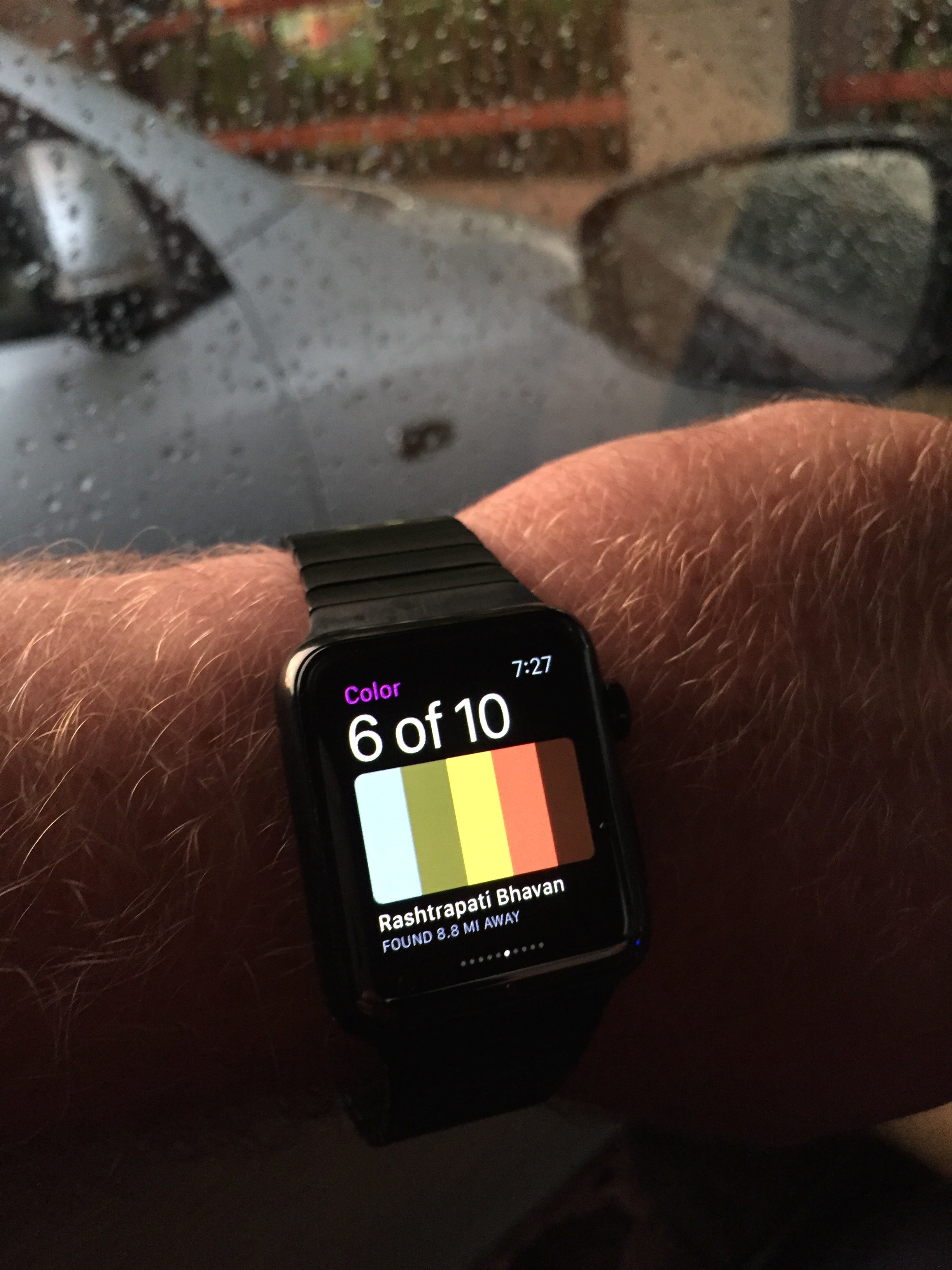
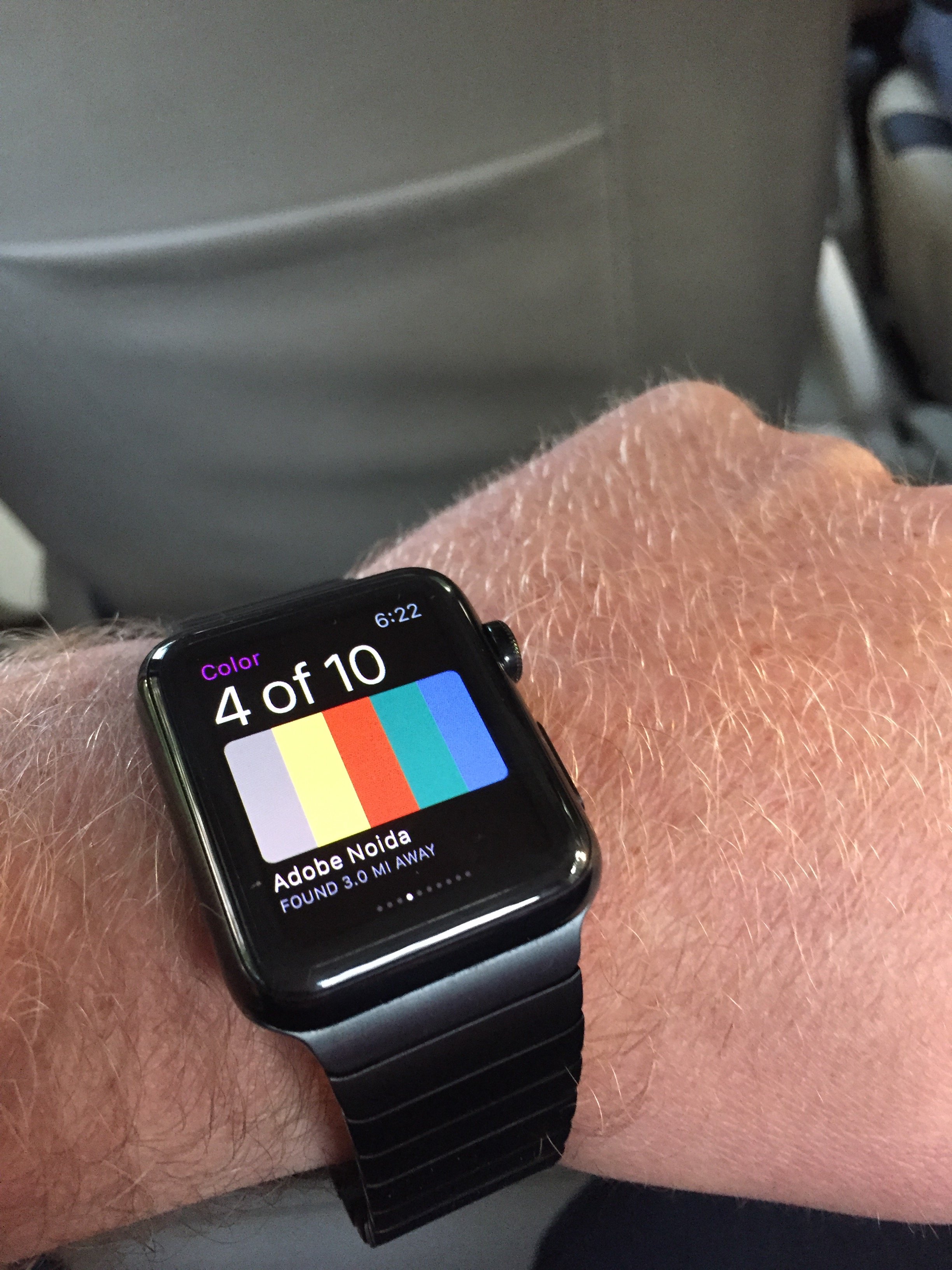
As technology moved to the body, we saw an opportunity to do so for Adobe design assets. As you travel through your physical world, discover color themes captured from your location and those farther out. By geotagging color themes and moving them to Apple Watch, Adobe Color CC played a richer, more delightful role in a designer's day.
The original project name of “Local Color” took on new meaning. With the beta on my wrist, I personally put it through the test on my business trip to India, depicted in photos below. Obviously this was not Adobe’s most important app, but it was an important part in our learning Apple Watch’s SDK and extending Adobe Kuler’s platform. Most importantly, it was a lot of fun.
-
Apple Watch SDK
iOS App Design & Development
Rapid Prototyping
Adobe Kuler
Geolocation Technology
R&D
-
Adobe Design
Adobe Engineering
Special thanks to:
Joe Andolina




What if?